Spot it
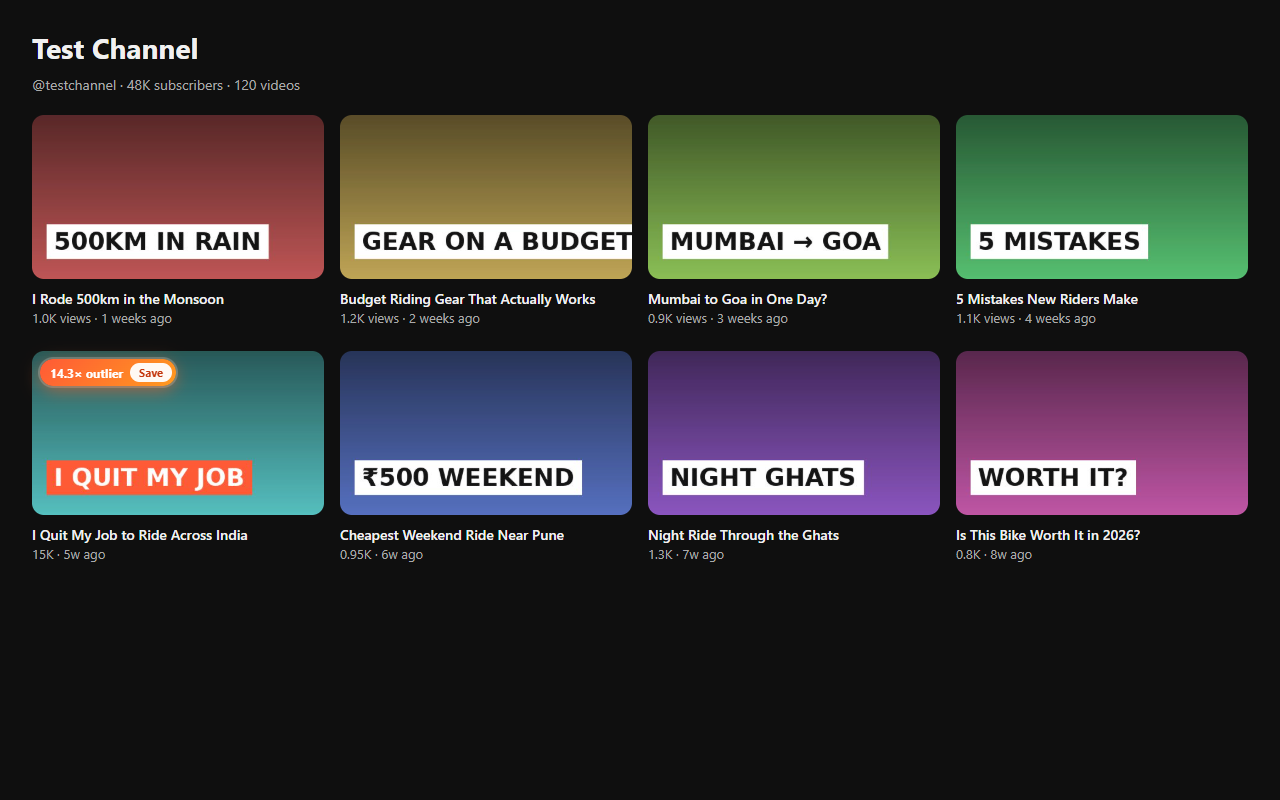
Browse YouTube and X as usual. Outlier badges show which videos beat a channel's normal numbers by 3×, 5× or 10×.
 HookVault
Add to Chrome
Chrome extension for creators
HookVault spots the videos that beat a channel's average, keeps every great hook in one swipe file, and rewrites any video into a thread, a LinkedIn post and a batch of titles.
No account needed · Your library never leaves your browser
Outlier finder · try it
On any YouTube channel, HookVault compares each video with the channel's median views and badges the breakouts. Drag the slider to see what it would flag on this sample channel.
How it works
Browse YouTube and X as usual. Outlier badges show which videos beat a channel's normal numbers by 3×, 5× or 10×.
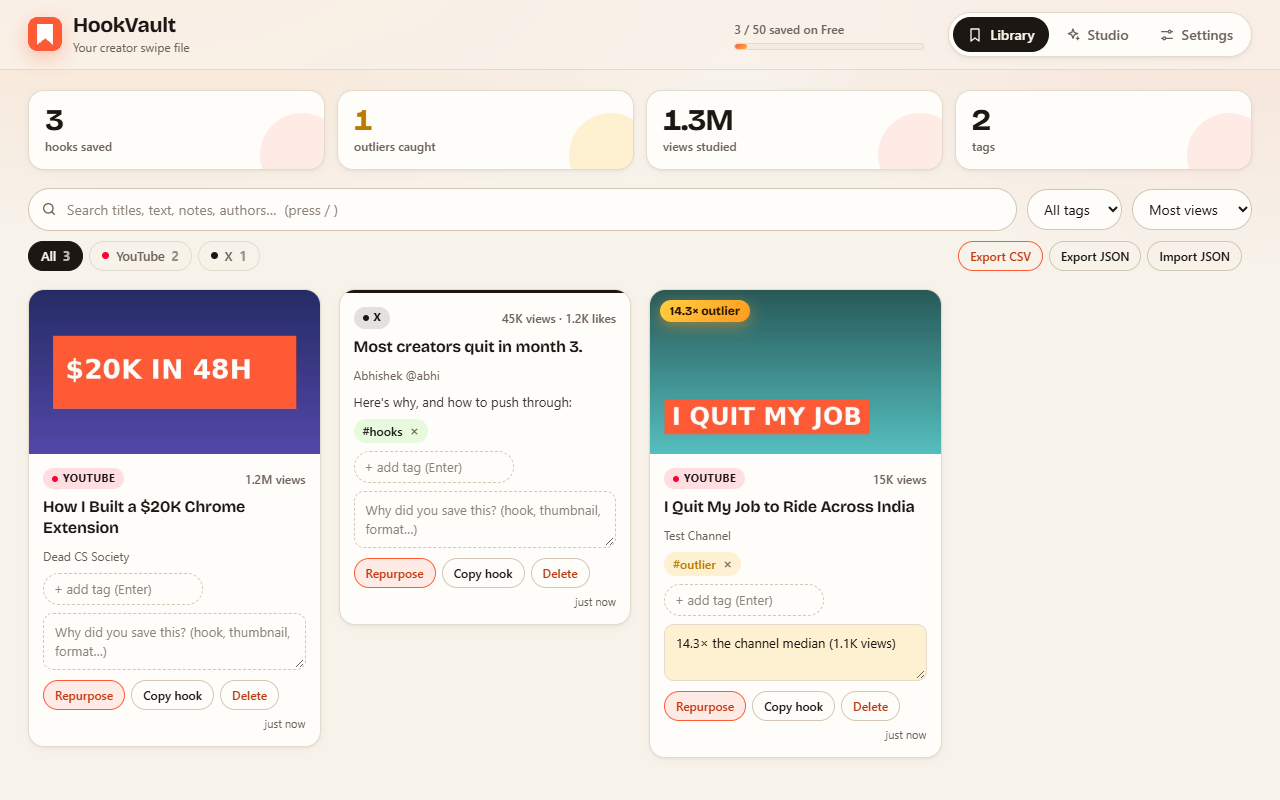
One click stores the title, views, likes and link. Add tags and a note on why it worked, then search it all later.
Hit Repurpose on a video. The transcript is pulled in for you, and the Studio writes each format in your tone and language.
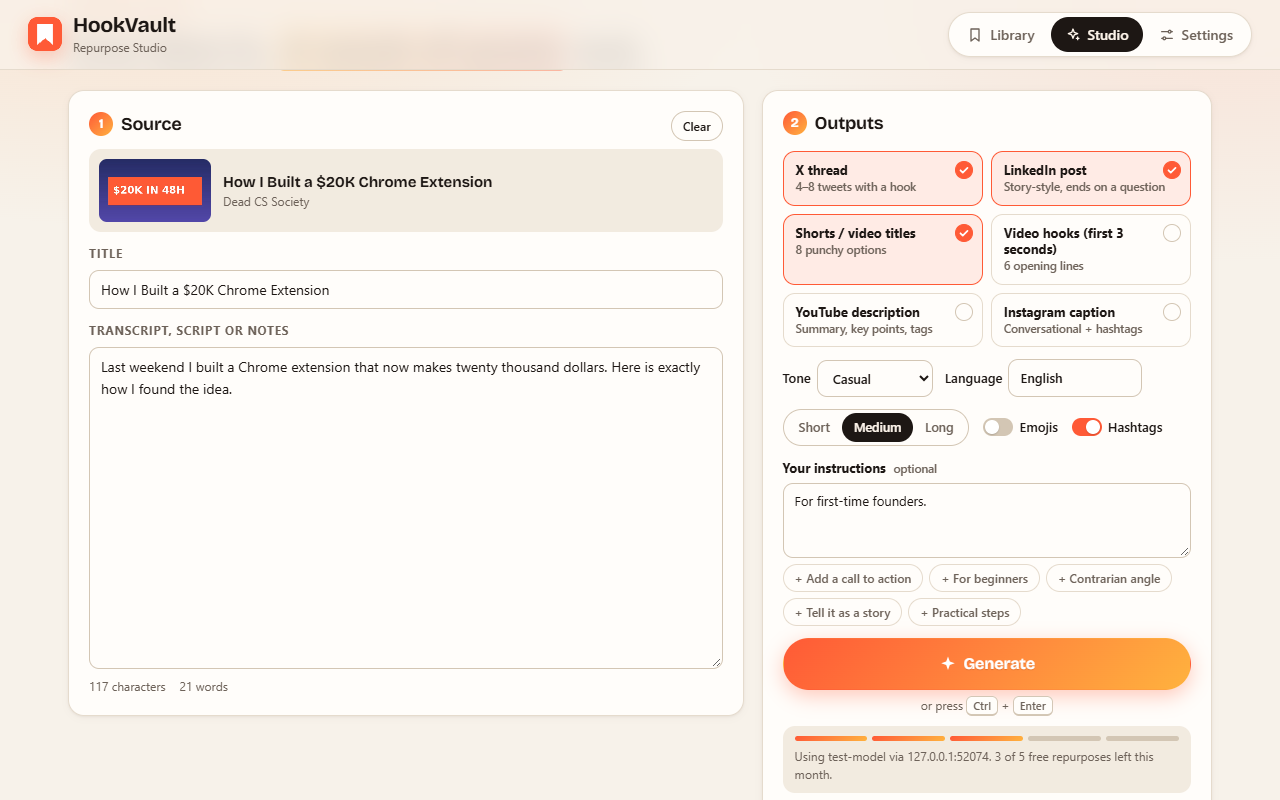
Repurpose Studio
A sample of what the Studio writes from a single 12-minute travel video. Pick a format.
Sample output for illustration. Results depend on your source and the AI model you choose.
Built for the way creators work
Your swipe file lives in your browser, not on our servers. There's no account to create and nothing to sync unless you export it yourself.
Use your own Anthropic or OpenAI key, OpenRouter, Groq, or a local model through Ollama. Pro adds hosted AI with no key at all.
Label saves with #hooks #thumbnail and jot down why each one worked.
View counts are understood in Indian formats too, so "1.2 lakh views" is compared correctly.
Download everything as CSV or JSON whenever you like, and import it on another computer.
Buttons appear right on YouTube videos, Shorts, channel pages and X posts. Right-click saves any other page or selected text.
Pricing
$0
For getting started
$12/month
Billed monthly. Cancel anytime.
FAQ
A video with far more views than that channel normally gets. HookVault takes the median views of the videos on the page and badges anything at or above your threshold (3× by default). A 10× outlier on a small channel is often a better idea to study than an average video on a huge one.
Only for AI repurposing on the Free plan. Saving and the outlier finder work without one. For the Studio you can paste an Anthropic or OpenAI-compatible key, point it at a local model, or use Pro's hosted AI with no key.
In your browser's local storage on your own computer. We never receive your saved items. Export to CSV or JSON to back them up or move them. See the privacy policy for the details.
YouTube (videos, Shorts and channel pages) and X have built-in buttons. Any other page can be saved from the toolbar popup or the right-click menu.
The Studio opens anyway. Paste your script, notes or any text and repurpose that instead.
Yes, anytime from Settings → Manage billing. You keep Pro until the end of the period you paid for, and your library stays with you on Free.